Two Ethernet Runs and Access Points for a Pleasant Hill Home
single-family home with attic and attached garage · College Park, Pleasant Hill
The situation
A Pleasant Hill homeowner had started a do-it-yourself network install with a Ubiquiti Dream Router 7 and an access point, then stopped short of pulling cable. The gear was already on hand, but the router alone left parts of the house without usable Wi-Fi, and the two spots that needed coverage — an upper-level hallway and the garage — had no Ethernet to them. They also wanted the option of a second access point rather than relying on the router's own radio to reach everything.
What we did
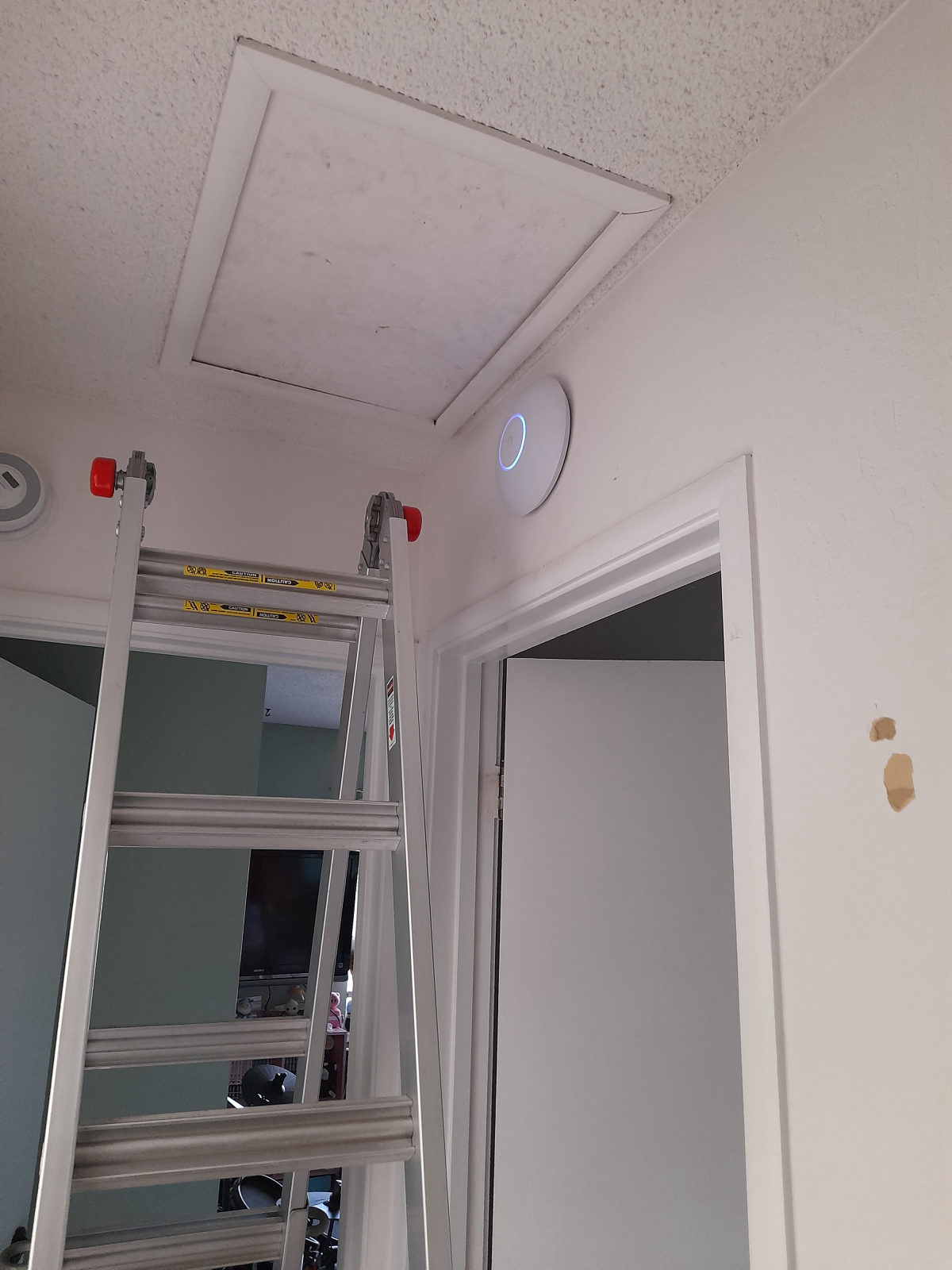
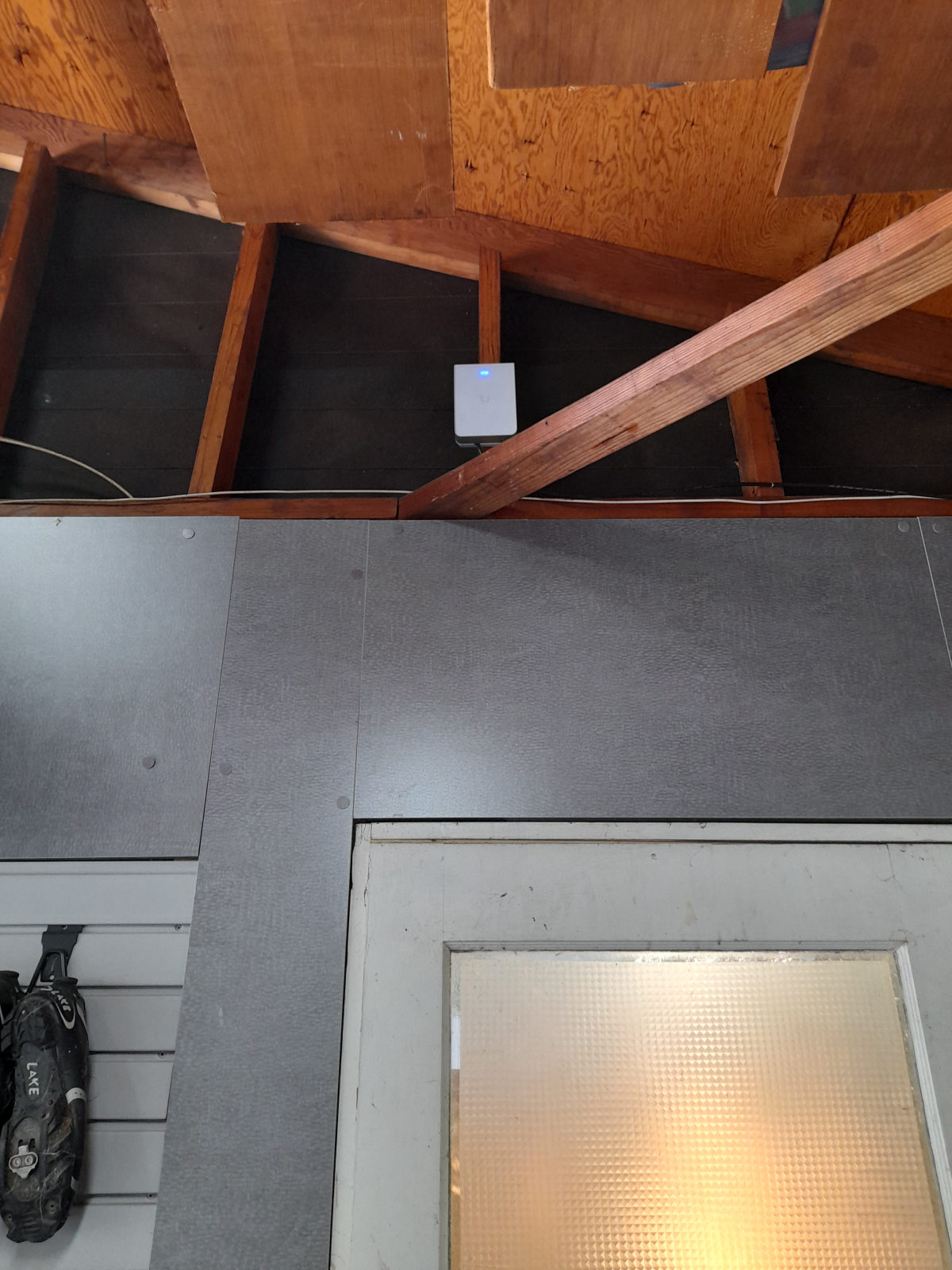
We ran two Ethernet cables. The first was routed along an exterior path into the attic and across to the top-floor access point location, where we mounted the access point on the ceiling above a doorway and left about ten feet of slack coiled in the attic for future changes. The second run went through the attic and down into the garage. We looked at crawl-space access on site and used the attic and exterior route instead, which gave a cleaner path. The garage access point was mounted high on the framing above the door, where it covers the garage and the driveway side of the house.
Both access points landed on the customer's existing Ubiquiti setup, so everything is managed from one place.
The result
Everything in the original scope was completed with no changes and no follow-up needed. The house now has three wired points of coverage instead of one, including the garage, which previously had none. We walked the homeowner through both runs and the mounted hardware in person before leaving.
Questions about this kind of job
I bought my own Ubiquiti gear — will you just do the cabling and mounting?
Yes. On this job the homeowner already owned the Dream Router 7 and access points, and we handled the two Ethernet runs, the mounting and the connections.
How do you get a wired access point into a garage?
Usually through the attic and down an interior wall or framing cavity. Here we checked the crawl space first, then used an attic and exterior route because it was the cleaner path, and mounted the access point high above the garage door.
Why leave extra cable in the attic?
We left about ten feet of slack above the top-floor access point so the mounting position can be moved later without pulling a new run.
Services: Whole-home Wi-Fi, Ethernet wiring, Access points, Mesh Wi-Fi upgrade